

How to Earn Points
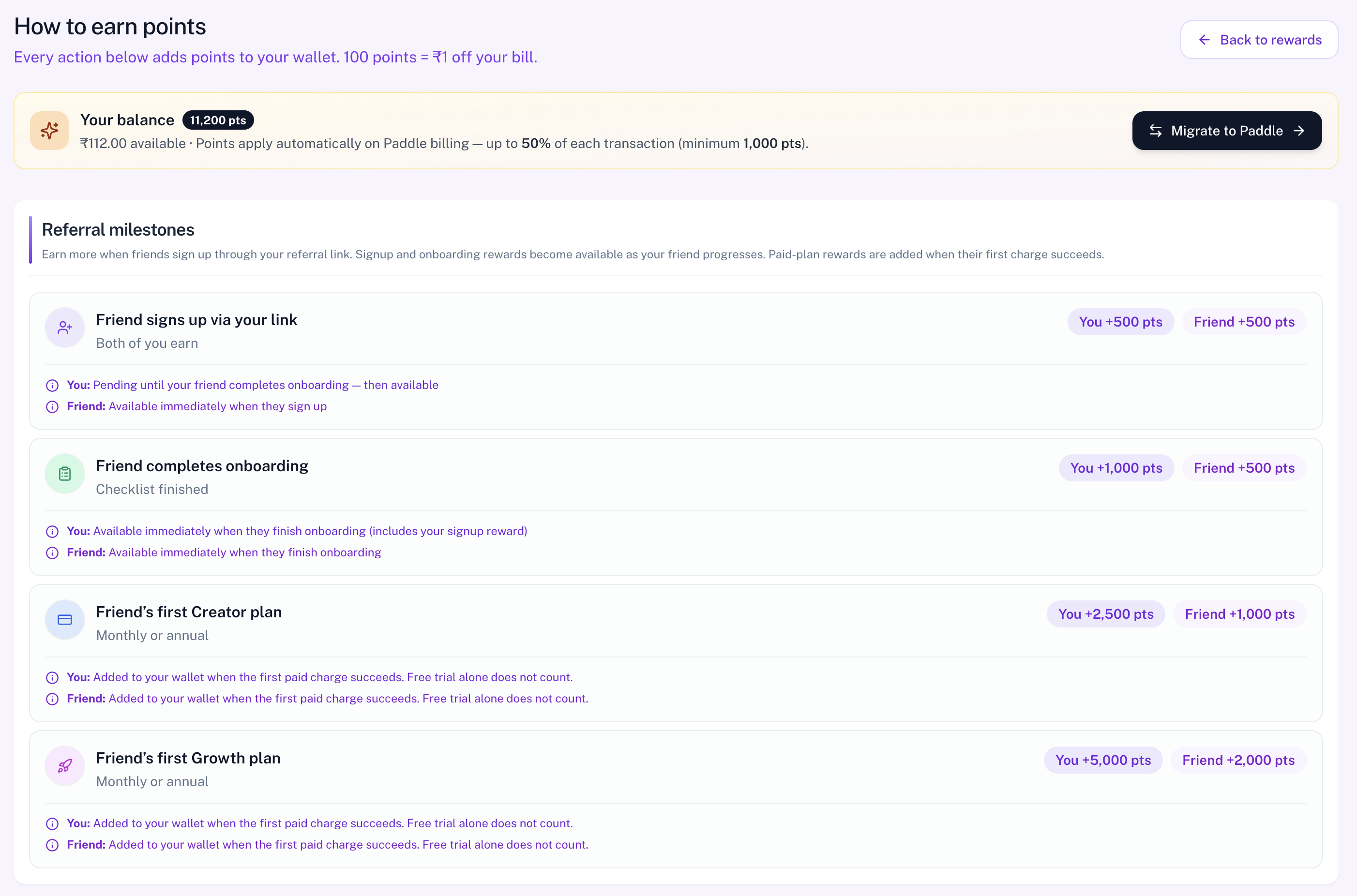
The How to earn points page is the full catalog of reward milestones. The product subtitle is: Every action below adds points to your wallet, with the conversion rate for your billing currency. It shows every way to earn points, when they become available, and how they apply on trial and renewal billing.
To open this page, navigate to:
Navigation: Dashboard → Rewards → How to earn pointsUse Back to rewards any time to return to the Rewards hub.
Your Balance Bar
At the top, Your balance shows available points and money value, plus a reminder that points apply automatically on Paddle billing — up to 50% of each transaction (minimum 1,000 points). The balance bar CTA is View rewards when redemption is unlocked, or Migrate to Paddle when it is not (opens Subscription).
Referral Milestones
Both you and your friend earn at each milestone when they join with your link:
| Milestone | You earn | Friend earns | Availability |
|---|---|---|---|
| Friend signs up via your link | +500 | +500 | You: pending until onboarding · Friend: available immediately |
| Friend completes onboarding | +1,000 | +500 | Both available when onboarding finishes (your pending signup reward unlocks too) |
| Friend's first Creator plan | +2,500 | +1,000 | First paid charge must succeed |
| Friend's first Growth plan | +5,000 | +2,000 | First paid charge must succeed |
Earn Without a Referral Link
Direct rewards you can earn on your own account:
- Account registration — +200 points (available immediately)
- Onboarding completion — +200 points (available immediately)
- First Creator subscription — +500 points (after first paid charge)
- First Growth subscription — +1,000 points (after first paid charge)
Migration Bonus
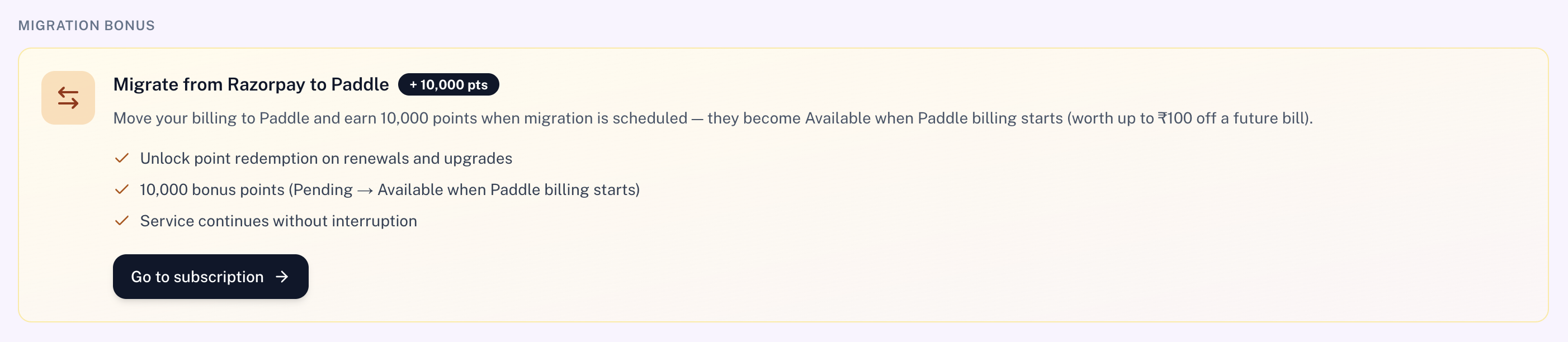
Eligible Razorpay users who can migrate see a Migration bonus section with +10,000 points. Points stay pending while migration is scheduled and become available when Paddle billing starts.
- Unlock point redemption on renewals and upgrades
- 10,000 bonus points (Pending → Available when Paddle billing starts)
- Service continues without interruption
Open Subscription and use Go to subscription on the banner to migrate.
How Points Apply on Trial & Renewals
This section explains timing rules:
- At checkout / free trial — eligible available points are reserved when the subscription is created. They reduce the first paid charge after the trial — not the ₹0 / $0 trial start.
- After each successful Paddle charge — the discount used on that bill is confirmed, then a one-cycle discount is queued for the next billing period from your available balance.
- Not scanned at charge time — points earned after the last charge are not applied to the bill that is about to run; they are picked up for a later renewal.
- Paddle only — auto-apply works on Paddle subscribe, upgrade, and renewals. Razorpay renewals cannot redeem until you migrate.
Conversion Reminder
Display rates are 100 points = ₹1 or 10,000 points = $1. Registration and onboarding rewards are available immediately; paid-plan rewards require a successful first charge.
Related Pages
- Rewards — wallet and invite hub
- Your referrals — people who used your link
- Points history — full wallet ledger