

All Generic Templates
The All Generic Templates page is your catalog of Messenger-style cards you can send in automation DMs — image, title, subtitle, link, and up to three buttons. Create and publish templates here, then select them in Send Generic Templates automations.
To open this page, navigate to:
Navigation: Dashboard → Automation → Generic TemplatesPlan Limits
Free accounts cannot open the Generic Templates catalog. Paid plans can create templates; the limit below is how many published templates you may select per automation (not a cap on how many you can create):
- Free — 0 (page locked; upgrade to unlock)
- Creator — up to 3 per automation
- Growth — up to 10 per automation
Templates that exceed your selectable limit after a plan change can show a Plan locked badge. Automations skip locked generic templates when sending until you unlock them by upgrading or deselecting other cards.
List, Filters, and Search
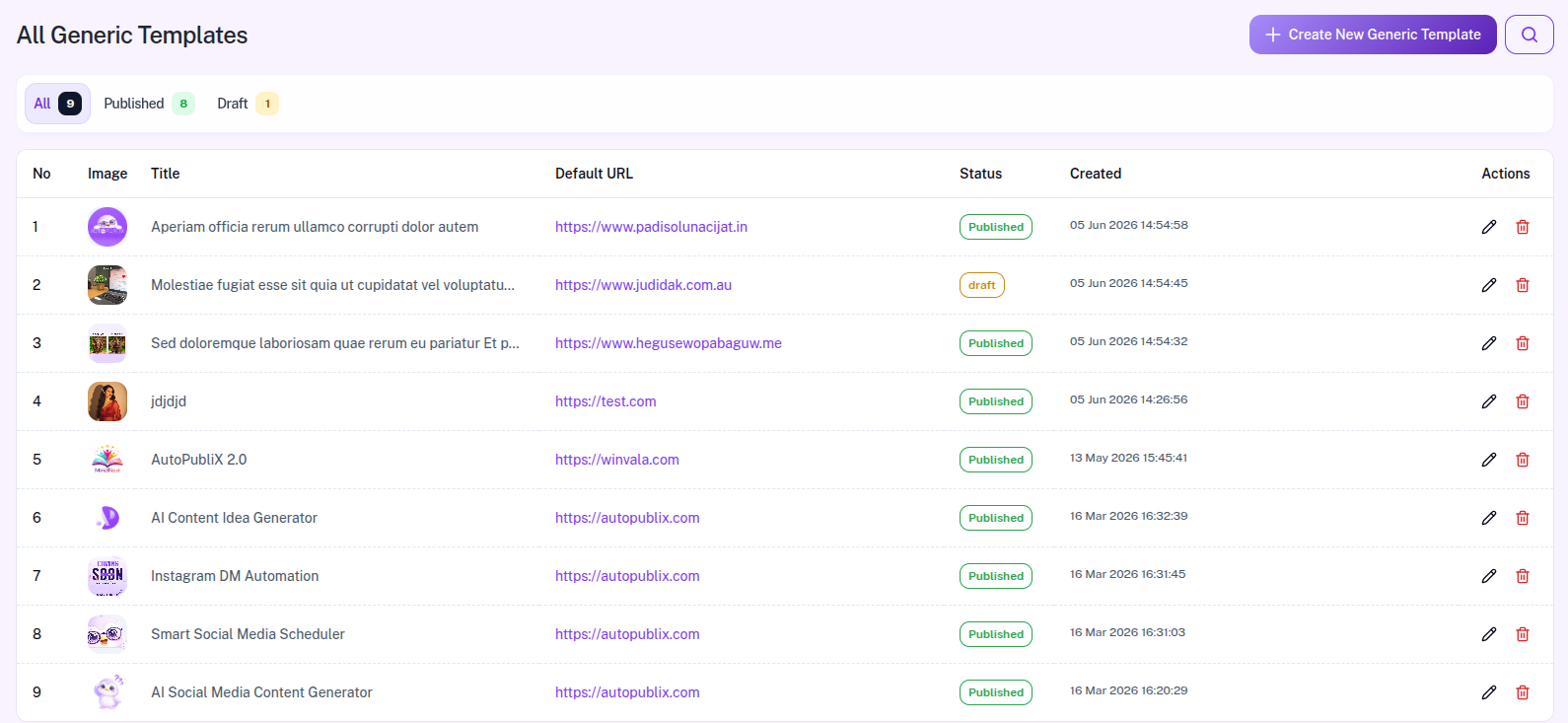
Use Create New Generic Template (top right) to open the builder. Status tabs: All, Published, Draft. Search with Search by title (matches title and subtitle). The list paginates 10 per page.
Columns: No, Image, Title, Default URL, Status (draft / published), Created, Actions (Edit and Delete). There is no Subtitle column, duplicate, or share action on this list.
Create and Edit
Create and edit use the same form (see Manage Your Generic Templates). Required fields: Title, Subtitle, URL (HTTPS; shown as Default URL in the list), one image from the Media Library (PNG or JPEG), and at least one action button (up to three). Save with Save as draft or Publish now. Only published templates appear when building a Send Generic Templates automation.
Delete
Use the delete icon in Actions and confirm. Deletion is permanent.