

Ice Breakers Automation
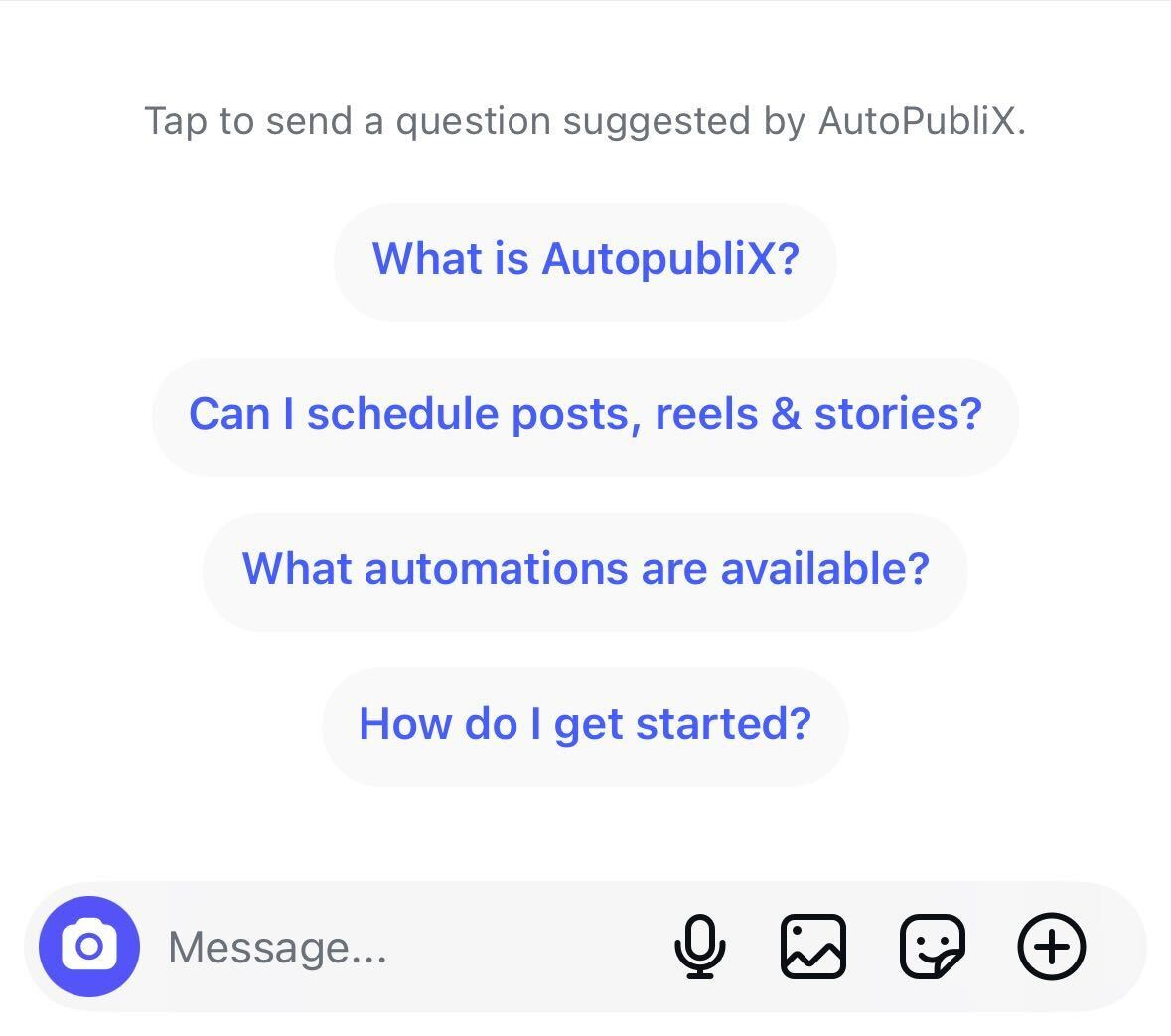
Ice Breakers show suggested questions when someone opens a new chat with your Instagram or Facebook account. The user taps a title; AutoPubliX sends your configured message as a DM reply. Create separate templates per platform under Conversation Entry Points.
To open this page, navigate to:
Navigation: Dashboard → All Automations → New Automation → Conversation Entry Points → Show Ice Breakers (Instagram or Facebook)Plan Access and Scope
- Creator and Growth — create and save (Free is locked)
- One Ice Breakers automation per Instagram account, and one per Facebook Page
- After the first save, open the existing automation to edit — you cannot create a second set for the same account/page
Platform and Connections
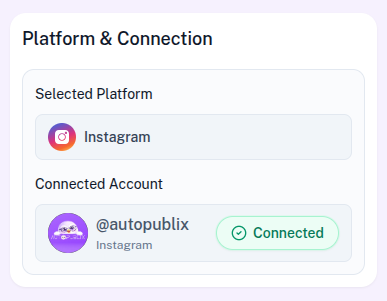
The platform is fixed by the template you picked (Instagram or Facebook). Choose the Connected Account (or Facebook Page) where Ice Breakers should sync. There are no keyword Triggers and no They Will Get section for this automation — only the Ice Breakers list and save actions.
Ice Breakers Setup
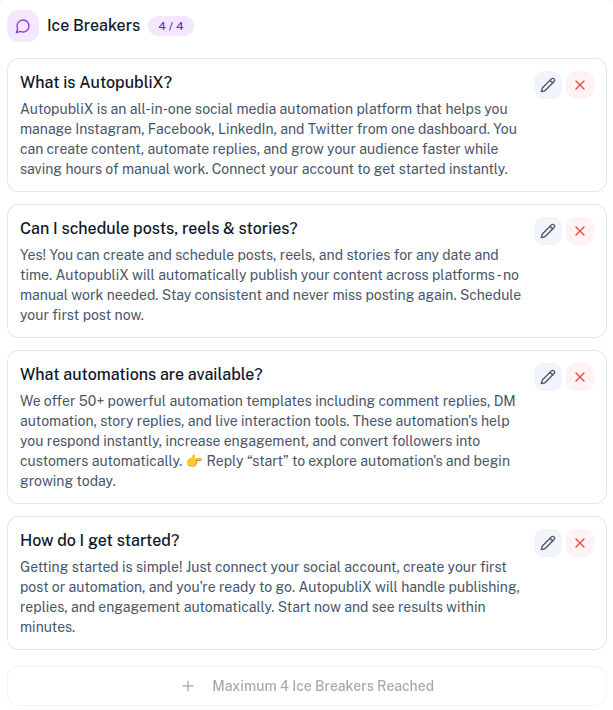
Add up to 4 items (Add Ice Breaker). Each item needs:
- Title (required, up to 80 characters) — what the user sees in chat
- Message (required, up to 500 characters) — text AutoPubliX sends when they tap the title
You must add at least one Ice Breaker before saving.
How They Appear
- Shown when a user starts a new chat, or after chat history is cleared
- Only the Title is visible; tapping it sends your Message as a DM
- After one selection, Ice Breakers no longer appear in that conversation
Practical Use Cases
Businesses commonly use Ice Breakers to provide quick access to the most important topics users usually ask about. For example:
- Frequently asked questions
- Product or service information
- Customer support assistance
- Contact details or business hours
- Location or address information
- And more...
By offering these quick options, users can immediately select what they are looking for, which helps start conversations faster and improves the overall user experience.
Save Actions
- Draft — save without going live (removes live Ice Breakers from the platform if previously active)
- Save and Deactivate — keep the automation but remove live Ice Breakers
- Save and Activate — sync Ice Breakers to Instagram or Facebook so new chats can show them