

Welcome DM for New Conversations
Automatically send a welcome Direct Message when someone starts a new (or cold) chat with your Instagram account. The New Automation card is labeled Welcome Message; the builder default name is Welcome DM for New Conversations.
To open this page, navigate to:
Navigation: Dashboard → All Automations → New Automation → Conversation Entry Points → Welcome Message (Instagram)Plan Access and Scope
- Available on Free, Creator, and Growth (not a premium-only template)
- Instagram is live; Facebook Welcome Message is Coming Soon
- One welcome automation per connected Instagram account (edit the existing one instead of creating a duplicate)
- Each person receives this welcome at most once per automation (tracked so it is not repeated in the same chat)
Platform and Connection
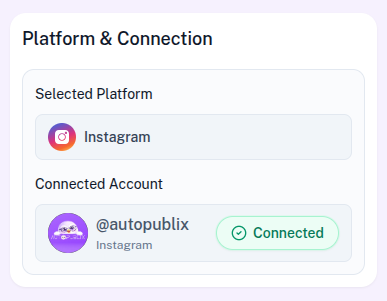
The platform is fixed by the template (Instagram today). Choose the Connected Account where the welcome should run. Reconnect from Settings → Social Connections if needed.
There are no keyword Triggers, FAQs, quick replies, media uploads, or Collect email/phone toggles on this template — only the welcome DM text and optional links.
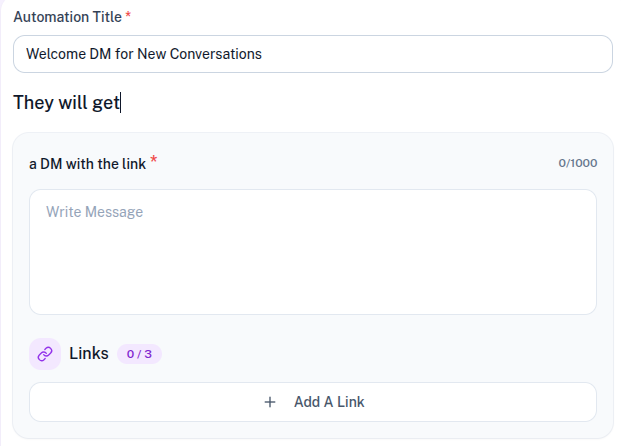
Automation Name
Set an Automation Name for your dashboard list (default: Welcome DM for New Conversations). This name is for you — it is not shown to the end user.
They Will Get
Under A DM containing the link, write the welcome text. Limits:
- Up to 1000 characters with no links
- Up to 2000 characters total when links are included (Instagram; message plus link titles/URLs are counted together)
Add up to 3 buttons with Add a link. Each link needs Link Title (up to 30 characters) and URL. No images or files — text and URL buttons only.
When It Sends
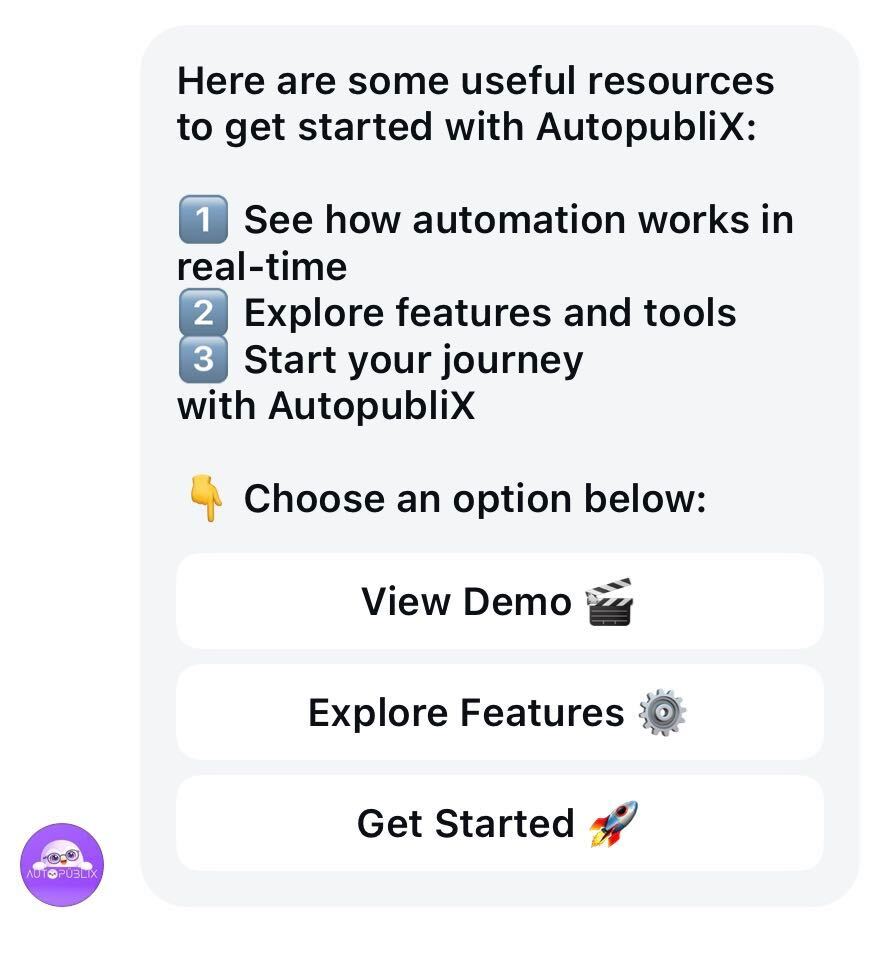
When the automation is active, AutoPubliX tries to send the welcome on an incoming DM if the thread looks new or cold (for example, first messages, or older history beyond a short window — default about 14 days). It does not rely on Meta's Get Started button. After the welcome is sent, other matching DM automations can still run.
Save Actions
- Draft — save without activating
- Save and Deactivate — keep the automation but stop sending welcomes
- Save and Activate — start sending on new or cold conversations immediately