

DM Automations
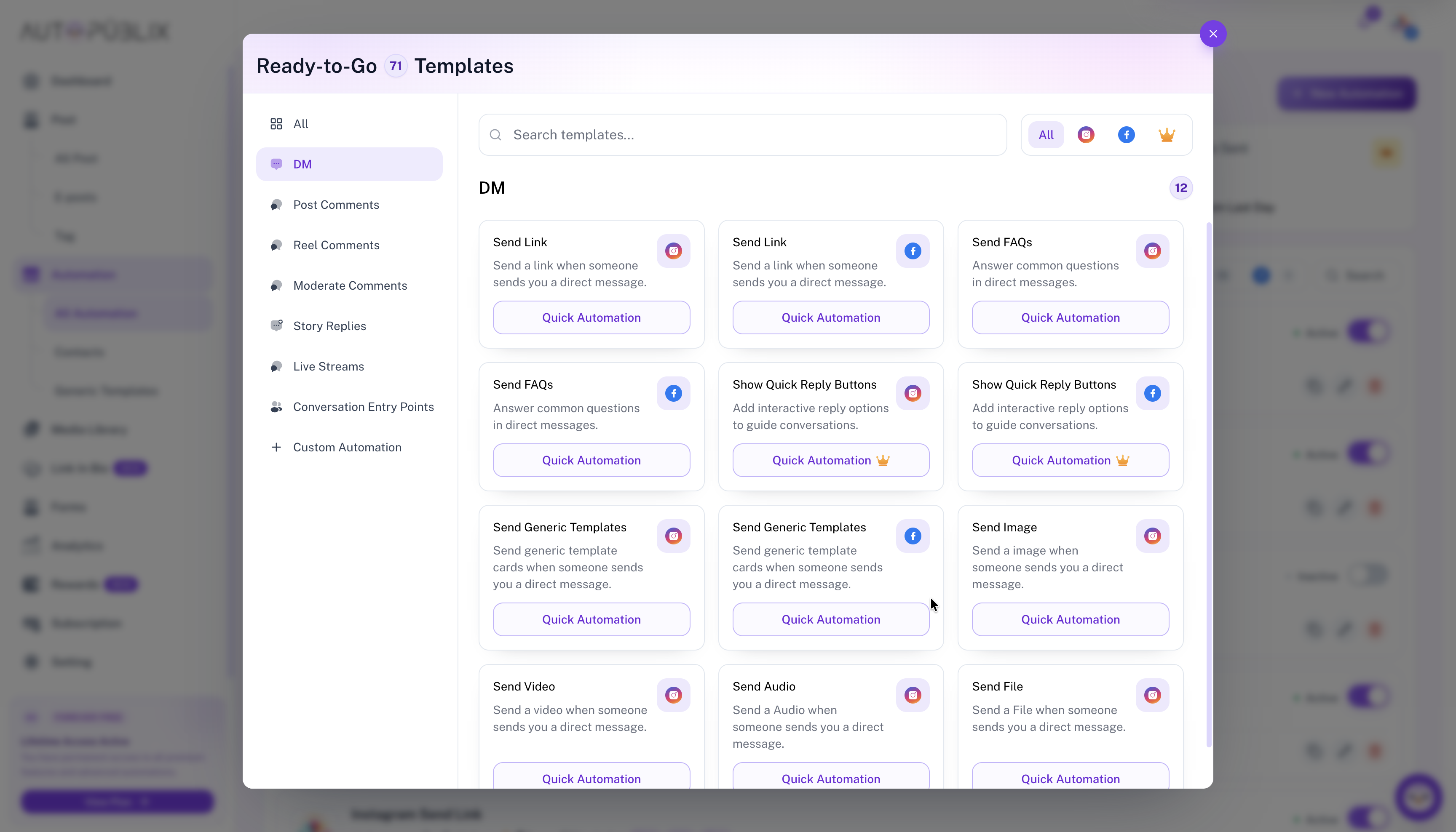
The DM category runs when someone sends you a direct message on Instagram or Facebook. Open All Automations → New Automation, choose DM, then pick a response template such as Send Link, Send FAQs, Quick Reply Buttons, generic templates, or media.
To open this page, navigate to:
Navigation: Dashboard → All Automations → New Automation → DMWhat You Can Do
Match incoming DMs with keyword rules (specific words or any message), then send an automated reply — links, FAQs, quick reply buttons, product cards, or media from the Media Library.
- Payload guides: Send Link, Send FAQs, Quick Reply Buttons, Generic Templates, Send Images
- Related entry points: Welcome DM, Ice Breakers, Persistent Menu (different triggers — new chat / menu, not keyword DM replies)
- Manual replies and takeover: Instagram Inbox
How DM Automations Work
When someone DMs you and the message matches your And it includes rules, AutoPubliX sends the template reply in the conversation. You can also enable Ask for Emails / Phone or Ask to Follow where the template supports it — collecting contacts requires Creator or Growth.
Automated DMs count toward your monthly plan budget. See All Automations and Subscription for usage limits.
Platform, accounts, and plan locks
Select Instagram or Facebook and an unlocked connected account or page. Plan slots are 1 / 3 / 5 logins on Free / Creator / Growth. Excess accounts stay connected but are plan-locked — save as draft or switch account before Activate.
Plan notes
Quick Reply Buttons under DM requires Creator or Growth. Send Link, FAQs, generic templates, and most media sends remain available on Free subject to DM and media plan limits.