

Live Stream Automations
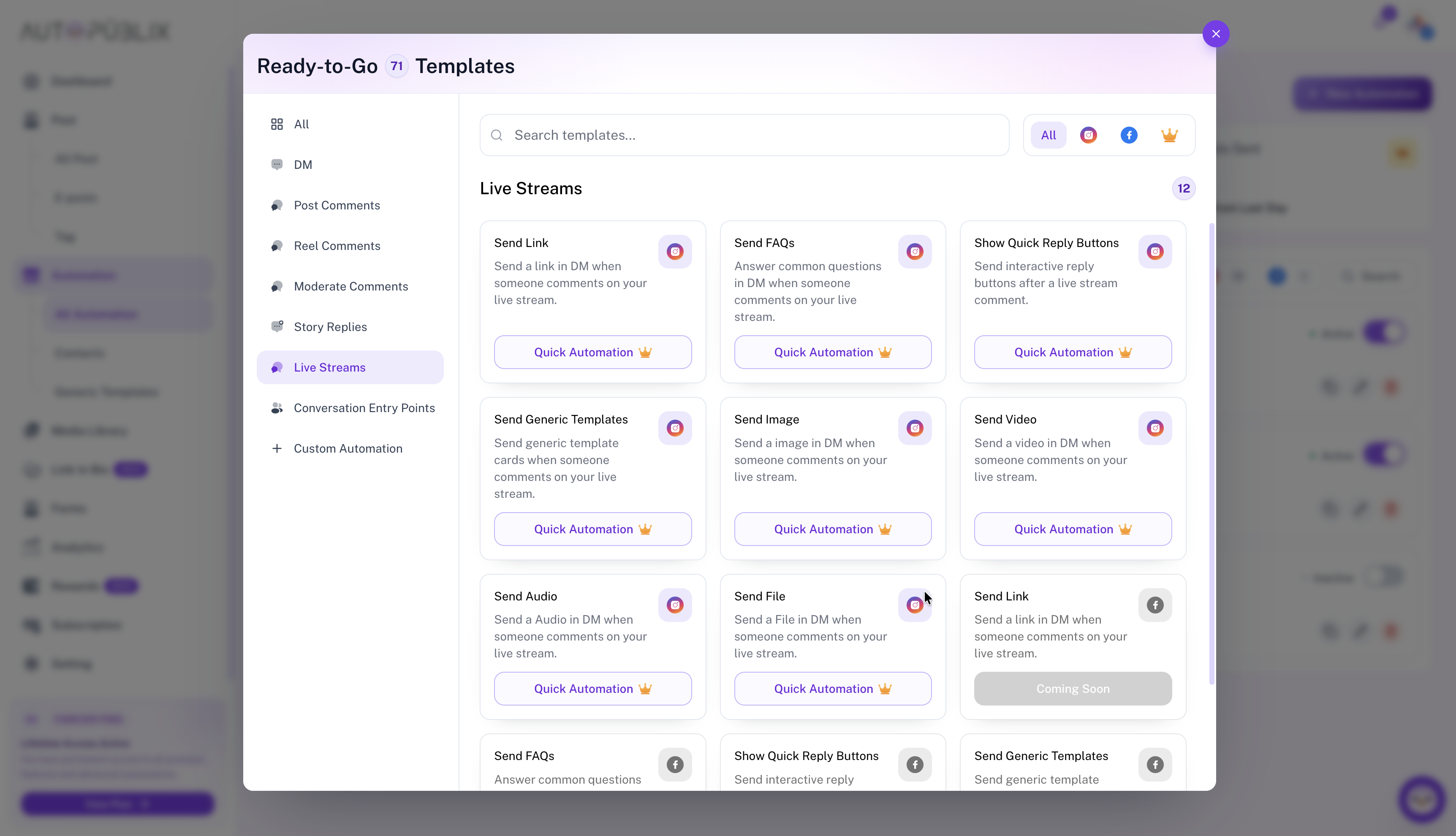
The Live Streams category runs when viewers comment during an Instagram or Facebook live. Open All Automations → New Automation, choose Live Streams, then pick a response template (link, FAQ, quick replies, generic templates, or media).
To open this page, navigate to:
Navigation: Dashboard → All Automations → New Automation → Live StreamsPremium category
All Live Stream comment templates require Creator or Growth. On Free they stay plan-locked. After a downgrade, existing live-stream automations deactivate until you upgrade.
Compare plans on Subscription. For account slot locks (separate from the premium template gate), see Troubleshooting.
What You Can Do
Match live comments with keywords, then send the same style of DM payloads documented under Send Link, Send FAQs, Quick Reply Buttons, and media send guides. Select an unlocked Instagram account or Facebook page before activating.